Veriproved CamStorage · Secured Video Cloud Storage
Keep the whole file. Keep the story around it.
Your dashcam may overwrite its footage in days. A liability claim can take months. Veriproved CamStorage archives complete, unaltered files from the cameras you already own, with an integrity check and chain of custody built for the questions that follow.
Available now. Try all features free for 15 days, with no credit card and no commitment.
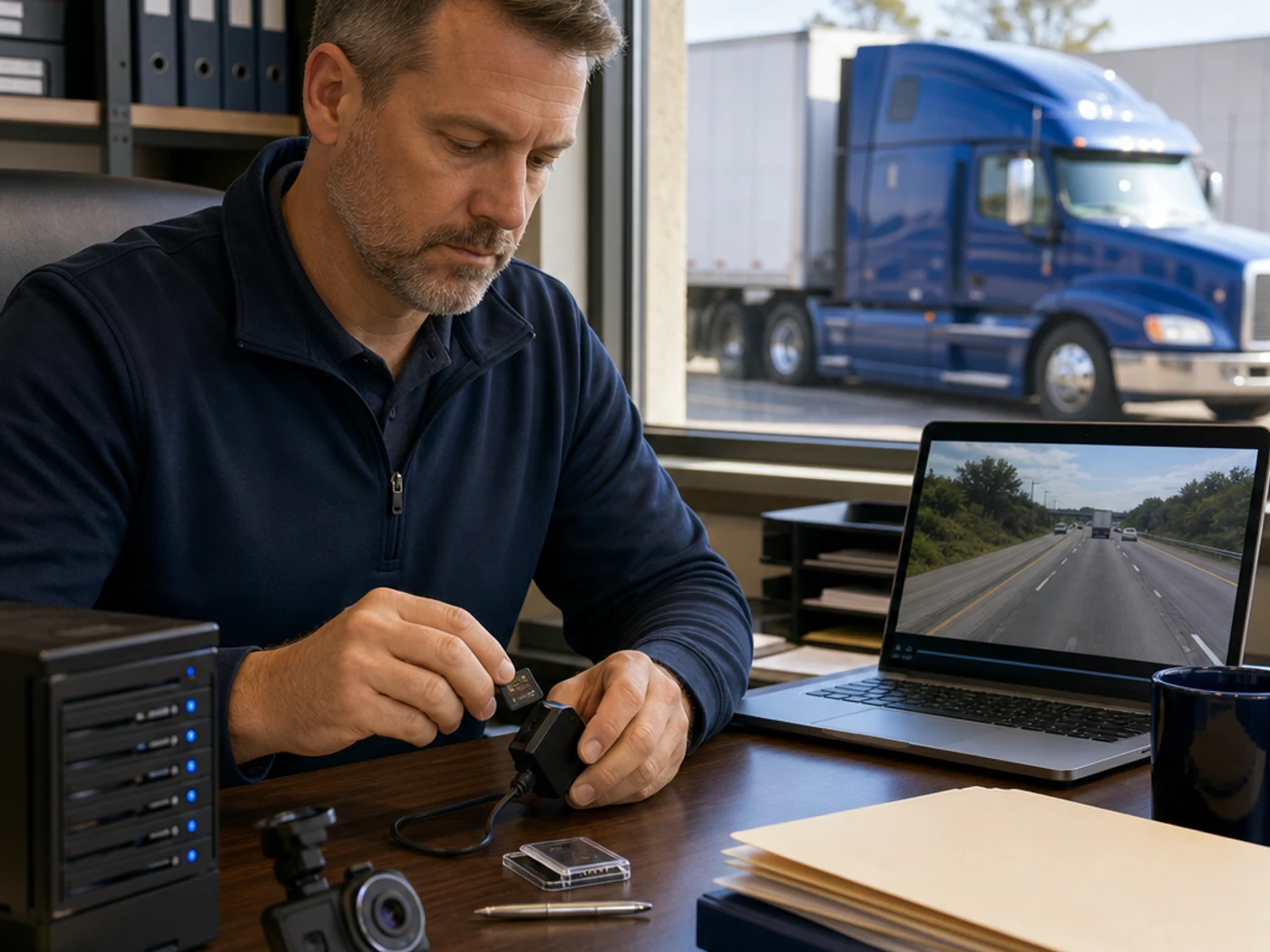
Why preserve
Footage that is still there when you need it.
Without preservation
- Footage can disappear in 72 hrs
- Hours searching drives
- No organized proof for lenders
- Contracts at risk
With CamStorage
- Footage kept for years
- Find any VIN in seconds
- Secure lender links
- Evidence that supports your contracts
Everything included
Six capabilities, one evidence record.
Each one is available now and part of CamStorage.
Auto footage capture
Every recovery, automatically
VIN search in seconds
No more manual digging
Secure share links
Lenders need no login
Chain of custody
Tamper-evident, reviewable records
Cloud storage for years
Preserved beyond camera overwrite cycles
Plug-and-play setup
No IT team required
Risk-free
15-Day Free Trial
No credit card. No commitment. Full access from day one.
- No Card NeededRequest in minutes
- All FeaturesNothing held back
- Cancel AnytimeZero obligation
Send your inquiry and our team will help activate your trial.
US-based supportTypical full rollout around 3 weeksNo IT required
Rollout timing is separate from the trial: full feature access starts on day one.
The problem
The preservation need outlasts the recording.
An unconnected DVR overwrites on its own schedule. The minutes before an incident may explain the merge, following distance or another vehicle that a short event clip misses. Copying a file to a shared drive also leaves unanswered questions about its origin, integrity and handling.
The Veriproved approach
Preserve the original. Document every handoff.
Capture recovery footage automatically, or upload complete originals from existing SD cards. Preserve the original without trimming or re-encoding it, with integrity checks and a reviewable custody record. Find footage by VIN and share secure links with lenders who need no login. Years of cloud storage and legal holds support a longer-term preservation process.
Part of Compliance & Operations
The retention gap
Your records can outlast the footage that explains them.
A DVR’s overwrite schedule is not a preservation policy. Different records have different retention requirements.
- Accident register
- US motor carriers must maintain the register for three years after each accident.
- 49 CFR 390.15(b) (opens in a new tab)
- Records of duty status
- Retain required records and supporting documents for at least six months from receipt.
- 49 CFR 395.8(k)(1) (opens in a new tab)
- Unconnected dashcam footage
- Local cards may overwrite in days. The actual window depends on capacity, recording settings and camera use.
- Preserve it before the card overwrites it.
These recordkeeping periods are not blanket retention periods for video. A duty to preserve evidence may arise before a lawsuit is filed. Your legal advisers should guide the retention and legal-hold policy that applies to your operation.
Key benefits
Why teams use Veriproved CamStorage
Context, not just a clip
Retain the complete source file, including the minutes before and after the event.
Verified at both ends
Compare a digest computed before upload with one computed after assembly to check file integrity.
Custody you can review
Keep a time-stamped record of access and handling alongside the footage.
Keep your current cameras
Built around existing DVRs and SD cards, without replacing the camera fleet.
Core features
What it actually does.
Each capability below is drawn from the documented product. Nothing is implied beyond it.
- Automatic footage captureCapture footage for every recovery automatically with the supported plug-and-play setup.
- VIN search in secondsFind the footage associated with a vehicle by VIN, without manually digging through drives.
- Secure lender linksShare footage through secure links that lenders can open without creating a login.
- Years of cloud storagePreserve footage for years beyond the camera’s local overwrite cycle, in line with the configured retention policy.
- Plug-and-play setupGet started without an IT team, with US-based support and a typical full rollout of around three weeks.
- Bulk, resumable uploadsUpload full files from a depot workstation directly from existing DVR cards. Resume an interrupted upload rather than starting over.
- Source-to-archive integrity checksCompute SHA-256 in the browser before upload and verify it again after assembly. A mismatch is quarantined rather than archived.
- Untouched originalsKeep the source file byte for byte. Separate playback copies support viewing without trimming, rewriting or re-encoding the original.
- Append-only custody historyRecord views, playback, downloads, shares, exports, holds and releases before those actions succeed. The handling record accompanies the evidence.
- Vehicle, time and incident searchFind footage by truck, date, time window and incident. The archive is organized around events and vehicles, not browsing a person’s movements.
- Retention and legal holdsManage retention policies and protect held media through database controls and storage object locks, with nightly reconciliation.
- Export bundles for counselExport original files, their hash manifest, the object audit trail and a generated chain-of-custody record in one evidence package.
- Controlled access and storageRole-based access, encryption, secure backups and retention controls support the archive’s preservation workflow.
- Accountable support accessPlatform operators are blocked from tenant video by default. Support access is time-boxed, requires a logged reason and appears in the customer’s audit feed.
How it works
From capture to counsel, in four steps.
- Step 1
Capture or upload
Capture recovery footage automatically, or bulk upload complete files from an existing DVR’s SD card.
- Step 2
Hash at source
Compute the digest before upload, then verify it after assembly.
- Step 3
Preserve the original
Keep the file unchanged, use a separate playback copy and apply legal holds.
- Step 4
Hand it to counsel
Export originals, hashes, the audit trail and the chain-of-custody record.
Who it is for
Made for these teams.
- US interstate motor carriersDesigned for carriers running approximately 25–250 power units with unconnected DVR dashcams that write to local SD cards.
- Safety directors handling the cardsTeams that need a repeatable collection and preservation process, particularly when an open or recent liability claim makes the gap visible.
- Claims teams and counselPeople who need complete originals and a reviewable handling record, without replacing an entire camera fleet to extend retention.
Business outcomes
What changes.
- Preserve context beyond the DVR’s overwrite cycle
- Check that archived files match the uploaded originals
- Retrieve footage by vehicle, time and incident
- Keep held media outside ordinary deletion workflows
- Provide counsel with footage and its handling history
What we don't do
Evidence preservation, not surveillance.
These boundaries define the product’s purpose and who it is designed to serve.
- No driver scoring, rankings, safety grades or leaderboards.
- No live cabin streaming or in-cab coaching. This is an archive, not a live view into the cab.
- No browsing footage by driver. Search is organized around vehicles, dates and incidents.
- No re-encoding the original. Compression belongs in the separate playback copy.
- Not positioned as an integration for fleets already using a connected camera platform, or as a non-US compliance solution.
- No promises of legal admissibility, case outcomes or insurance savings. Preservation decisions and use of evidence remain with the carrier and its advisers.
Compliance-ready operations
Document What Happened. Preserve What Matters.
A clear record of an operational event can help teams review what happened and explain how it was handled. Veriproved CamStorage organizes complete dashcam originals with integrity checks and a reviewable custody history to support documented evidence practices.
Compliance Through Documented Evidence
Keep field video connected to the operational record. Full source files, vehicle and incident search, and a custody history help teams locate and review evidence when a question arises.
- Centralized, complete dashcam originals
- SHA-256 integrity checks and an untouched source file
- Search by vehicle, date, time window and incident
- Reviewable records of access, handling, holds and exports
A Preservation Workflow, Not a Legal Outcome
Years of cloud storage and legal holds support an organization’s evidence process, but retention policies and decisions about evidence use belong to the business and its advisers. CamStorage is available now, with a full-access 15-day free trial.
- Use holds to protect incident-linked media from ordinary deletion
- Prepare exports with originals, hashes and handling history
- Discuss current availability and workflow fit with our team
Veriproved tools are designed to support your compliance program. They do not provide legal advice or guarantee regulatory compliance; your organization remains responsible for its own obligations.
FAQ
Veriproved CamStorage questions
No camera replacement is required for the intended workflow. Veriproved CamStorage is built for existing DVRs that write full files to SD cards; sample files help establish compatibility.
Complete original files. The archive does not trim or re-encode them, and viewing uses a separate playback copy.
SHA-256 is computed in the browser before upload and recomputed after the file is assembled. If the digests disagree, the file is quarantined rather than accepted into the archive.
Original files, a hash manifest, the audit trail for those objects and a generated chain-of-custody record documenting capture and subsequent handling.
It protects incident-linked media from ordinary deletion using database controls and storage object locks. Holds and releases are recorded in the custody history.
No. There are no driver scores, rankings or live cabin views. Footage is organized by vehicle, time and incident, rather than browsing by driver.
US interstate motor carriers with approximately 25–250 power units, local SD-card DVRs and a safety team that needs a better preservation process. Connected-platform integrations and non-US compliance are outside the stated scope.
Yes. CamStorage is available now, with a 15-day free trial that includes all features and requires no credit card or commitment. Send a trial inquiry and our team will help activate your access.
All features are included for 15 days, with full access from the first day of your activated trial. No credit card is needed, there is no commitment, and you can cancel anytime.
Yes. Secure share links let lenders review shared footage without creating a login.
No. Full access starts on day one of your activated trial. The typical full rollout of around three weeks refers to deploying the setup across your operation, not a waiting period for trial features.
No. It provides preservation and custody history. Admissibility and use of evidence remain decisions for the carrier and its legal advisers.
It supports organized video documentation, preservation workflows, controlled access and review of how evidence has been handled. Your organization and advisers determine the policies and retention schedule.
Complete originals can provide operational context for internal review. Search by vehicle, time and incident helps teams retrieve relevant footage and review its custody history.
No. Retention policies and legal holds are available workflow controls, but no fixed legal retention period is promised. Set retention with guidance appropriate to your organization.
No. The product provides integrity checks and a reviewable handling record; it does not guarantee admissibility or a case outcome. Those determinations are for the appropriate legal process and advisers.
Yes. CamStorage is available now with automatic footage capture, VIN search, secure lender links, years of storage and plug-and-play setup. The 15-day free trial includes all features with no credit card or commitment.
Related solutions
Works well alongside.
Defensive Driver Training
Veriproved Driver Safety
Targeted training, MVR change review, qualification and connected-source driver data brought together for manager review.
Learn moreCompliant Site Inspections
Veriproved Site Inspections
Guided annual inspections for repossession facilities and off-site lots, with in-app photos mapped to requirements and organized reports for review.
Learn moreCompliant Background Checks
Veriproved Backgrounds
Configurable screening workflows for repossession agencies and automotive lenders, from disclosure through manager review and adverse-action support.
Learn moreTalk to Veriproved
Start your 15-day free trial.
Tell us about your camera and recovery workflow. Our team will help activate your full-access CamStorage trial, with no credit card and no commitment.